You haven't signed in yet, you can have a better experience after signing in
*Please complete the payment within {{receiveCouponInfo.expire_at}}Previous use*
You haven't signed in yet, you can have a better experience after signing in




Activity Rules
1、Activity time:{{ info.groupon.start_at }} ~ {{ info.groupon.end_at }}。
1、Activity time:cease when sold out。
2、Validity period of the Group Buying:{{ info.groupon.expire_days * 24 }} hours。
3、Number of Group Buying:{{ info.groupon.need_count }}x。
Please Pay Attention
1、Teamwork process: Join/initiate a Group Buying and make a successful payment - Within the validity period, the number of team members meets the activity requirements - Group Buying succeeded!
2、If the number of participants cannot be met within the valid period, the group will fail, and the paid amount will be refunded in the original way.
3、The number of people required and the time of the event may vary among different products. Please pay attention to the rules of the event.

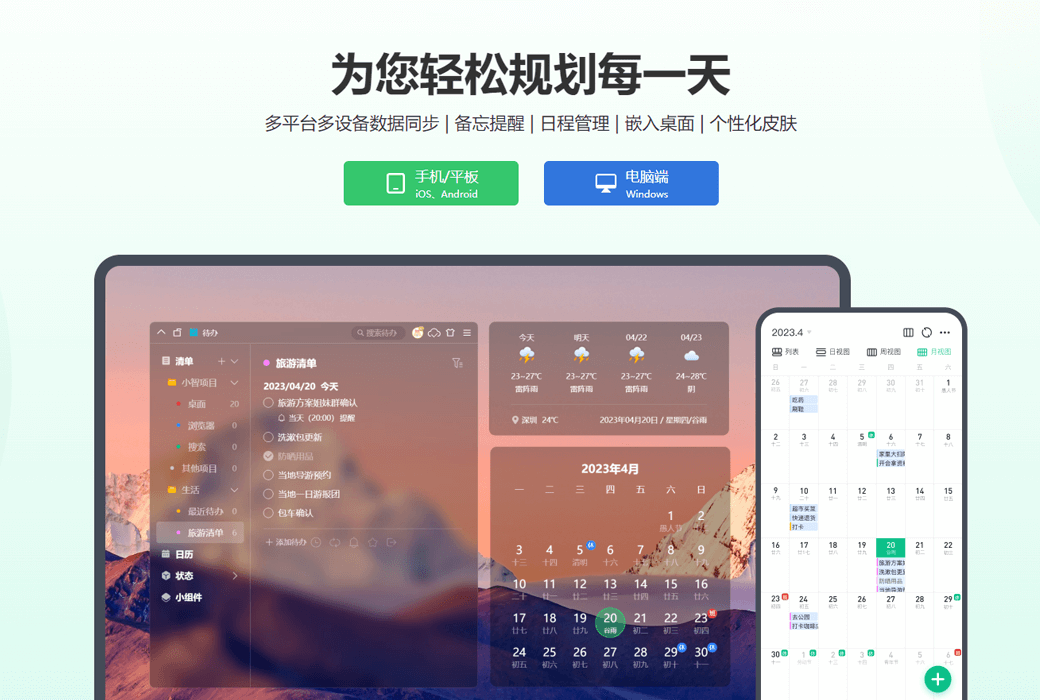
为您轻松规划每一天
多平台多设备数据同步 | 备忘提醒 | 日程管理 | 嵌入桌面 | 个性化皮肤
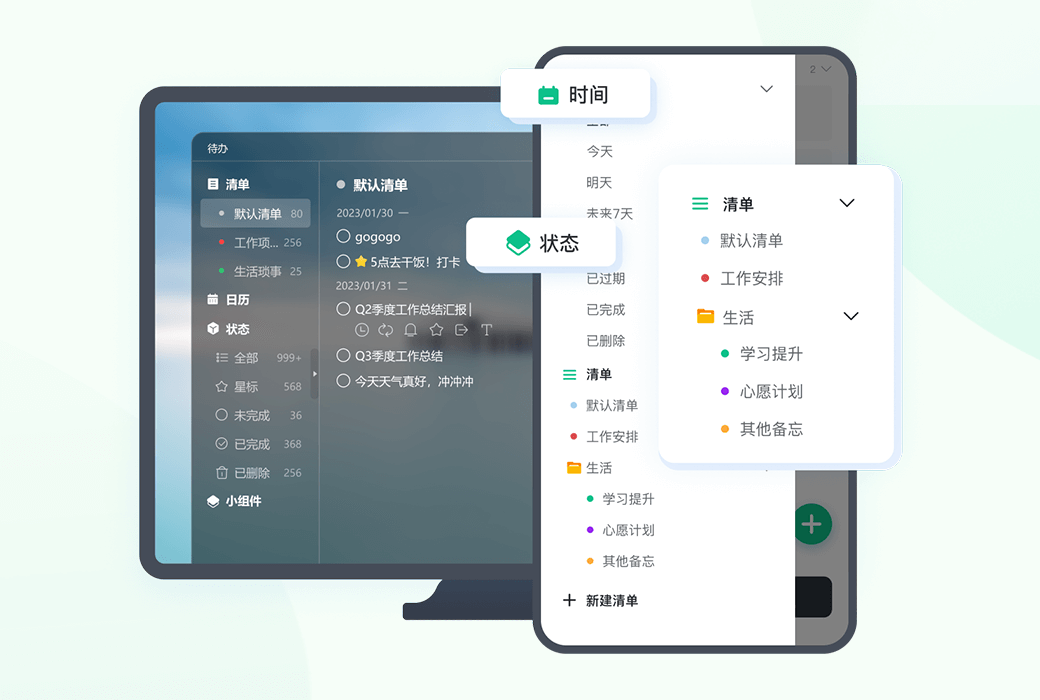
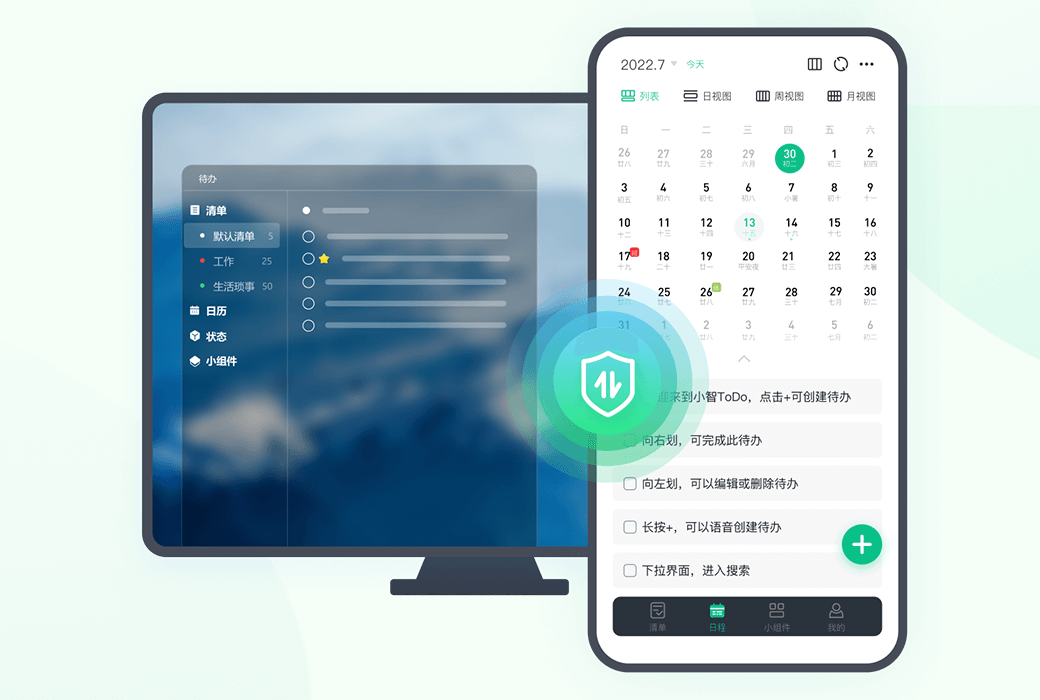
多清单-工作生活井井有条
清单支持归纳入文件夹,支持按状态、按时间等排序
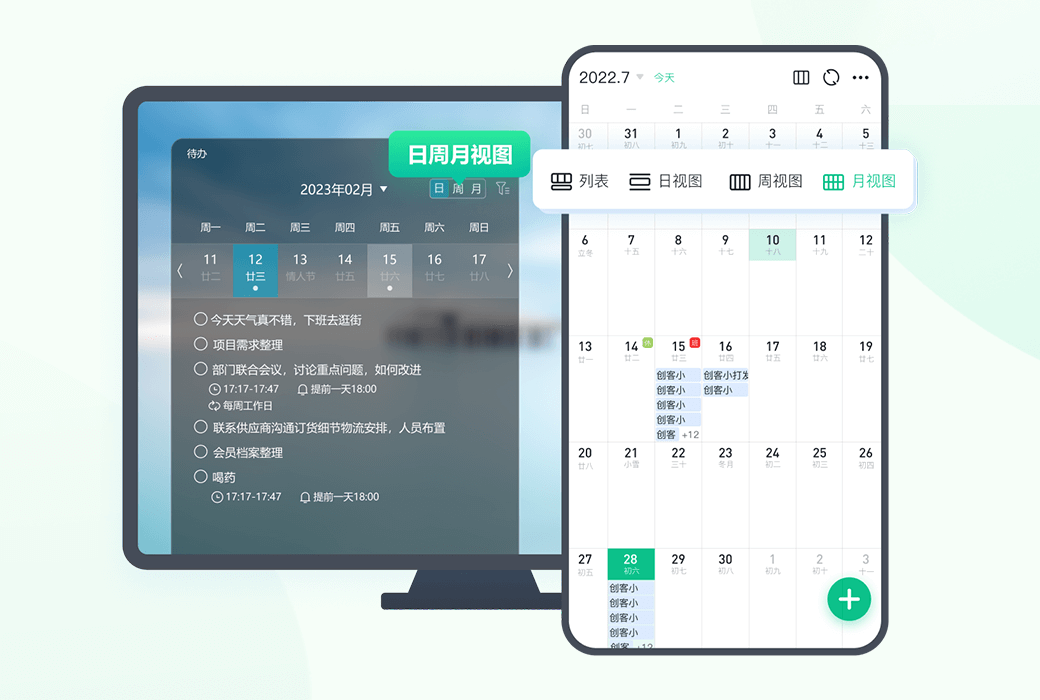
日月周视图-短中期规划全拿下
规划月节点、周重点、日待办,助力高效达成
全能提醒、重复设置
支持按天、周、月随心设置
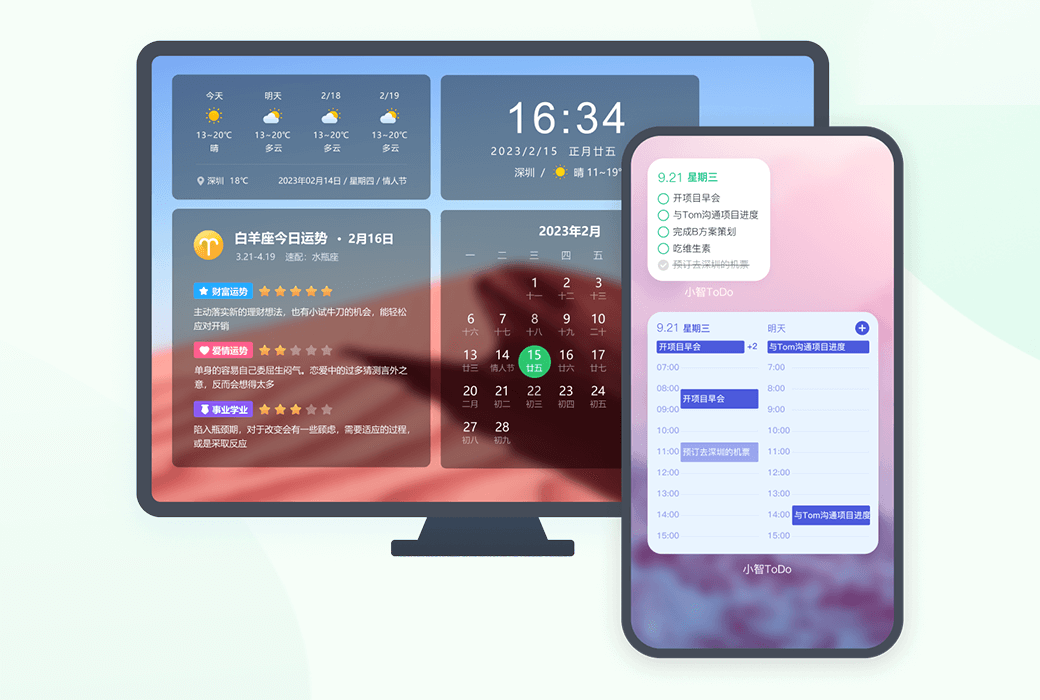
多样化桌面小组件
待办、时间天气、星座宜忌,应有尽有
个性化皮肤搭配
萌潮酷炫皮肤,好心情助力高效率
多终端待办同步
数据云同步,永不丢失
官方网站:http://xztodo.cqttech.com/
备用下载:N/A
发货时间:24 小时自动发货
运行平台:Windows、iOS、Android
界面语言:支持中文界面显示,多语言可选。
更新说明:终身版支持终身更新和使用。
买前试用:购前可免费试用。
如何收货:购买后,激活信息会以邮件的形式发送到下单时的邮箱,同时可在个人中心,我的订单中查看对应的产品激活码。
设备数量:可安装 10 台电脑。
更换电脑:原电脑卸载,新电脑激活。
激活引导:登录帐号 -> 个人中心 -> 激活码验证。
特殊说明:待添加。

Any question

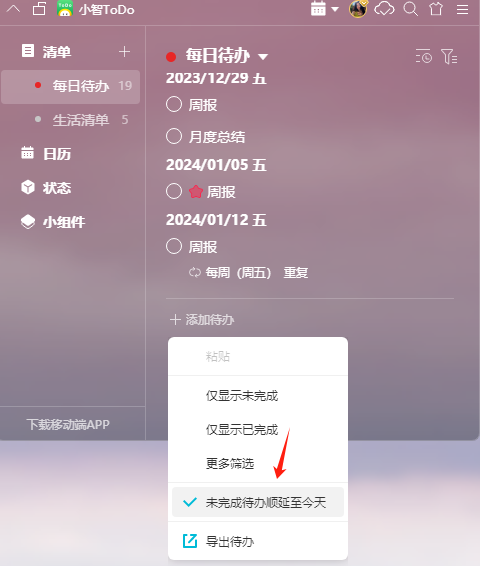
创建的待办如果没有在计划时间内完成,可以将其顺延到第二天,防止被遗漏。当前版本中,设置待办顺延有以下两种方法:
方法一、在【设置中心】-【基础设置】里,“未完成待办顺延至第2天显示”点击选择“是”即可
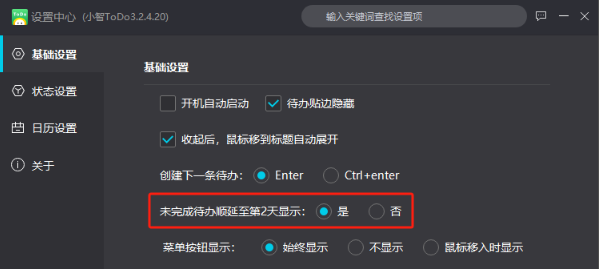
方法二、清单模式下,在空白处单击右键,点击“未完成待办顺延至今天”后,即可将未完成的待办快速顺延到今天